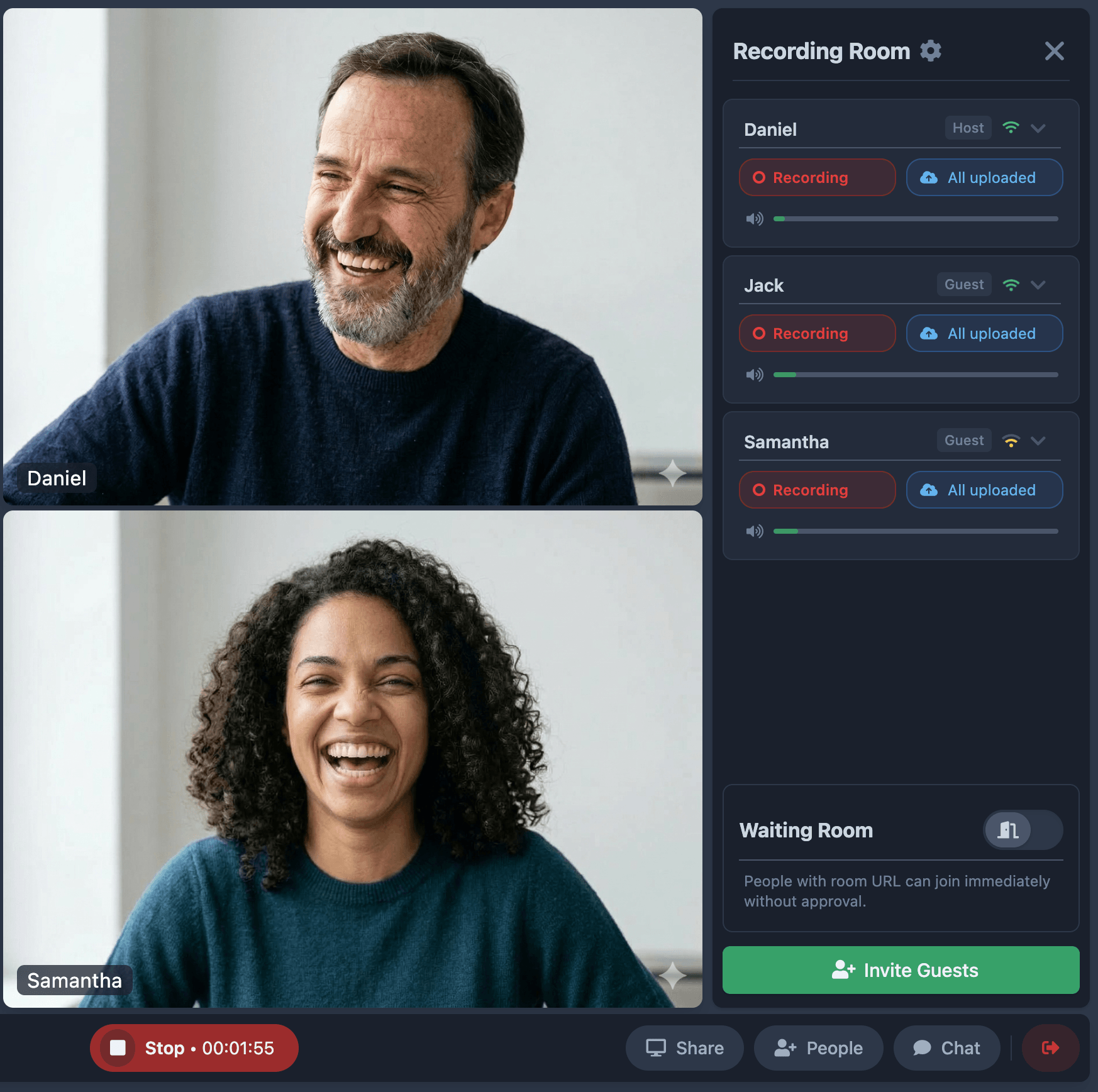
Each guest records locally on their own device. You get separate HD audio and video tracks — no quality loss from bad wifi, no compressed call audio.
A clear difference
When guests record locally, wifi drops and call compression never touch your audio.
Clipped peaks, internet artifacts, no headroom for editing.
Clean dynamics, full headroom, ready for editing.
How it works
Send one link. Guests open it in any browser — no app, no account, no friction.
Iris captures each participant on their own device. Bad wifi never touches your audio.
Get individual HD audio and video files per person, ready for your editor.
"Iris developed into our favorite solution to produce remote interviews with podcast guests around the world. It's easy to use, provides high quality recordings, and just works."

"Using Iris.fm was one of the best decisions we made when launching our podcast. It allowed our remote team to coordinate easily while keeping the audio quality high."

"Iris.fm makes inviting guests to join our podcast super easy. No software to install. No meeting IDs to remember. Just simple."

Free plan included. No credit card required. Guests join in their browser.
★★★★★ 4.9/5 · Helping podcasters since 2019